
AI Studio for Photography Workflows.
Let AI generate captions, organize galleries, recommend edits, and streamline your photography workflow — all from one intelligent studio.
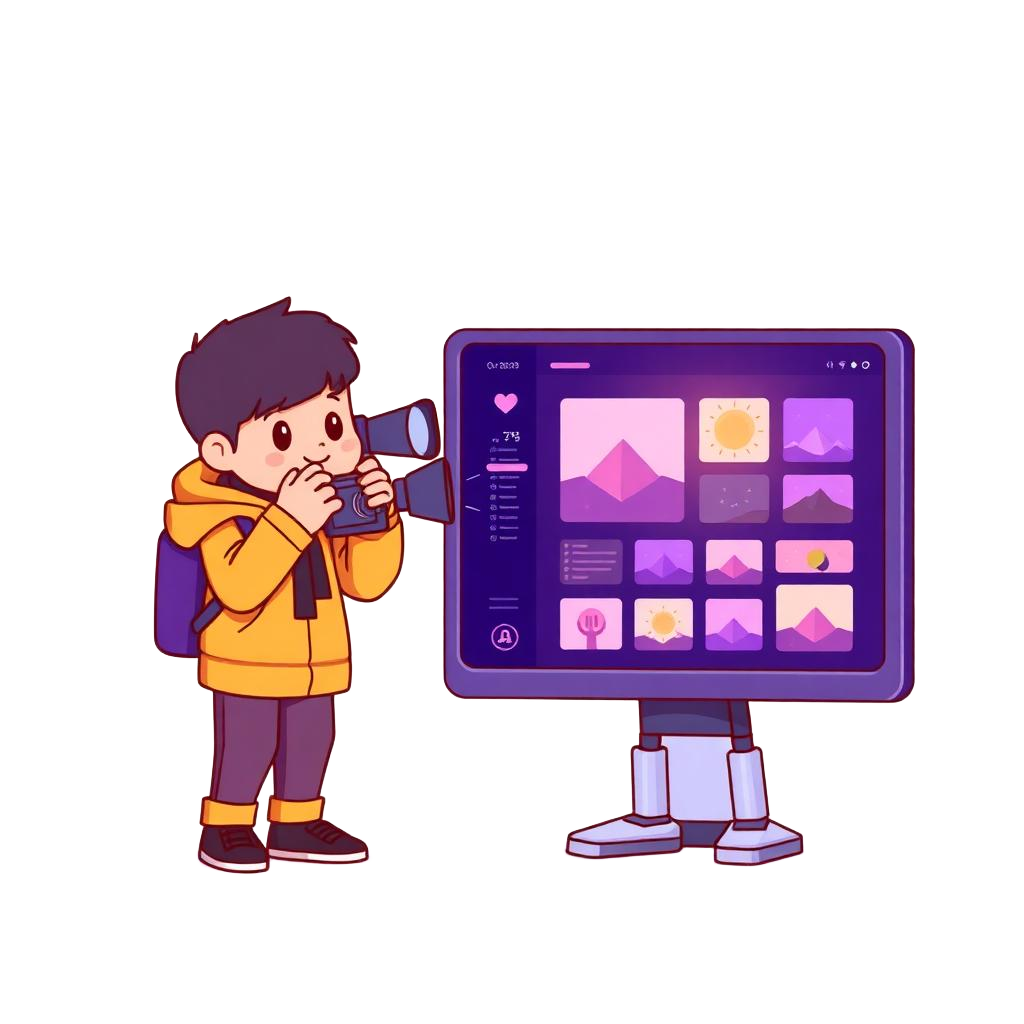
AI Studio is the creative brain of EventBit: one workspace where captions, culling, organization and editing suggestions all run on your own library.
Apply a look to one photo, then push it across 1,200 more. Ask for an Instagram caption in your studio's voice. Let the AI group ceremony, portraits and dance floor automatically.
Key Selling Features & Benefits
Why professional photographers choose EventBit over standard consumer drives.
Quick presets & apply to all
Tune one frame and roll the same look across the entire album in a click.
AI captions & blog copy
Instagram captions, blog posts and client emails written in your studio's tone.
Auto gallery organization
Scenes, moments and people grouped automatically for instant search.
Edit recommendations
Exposure, colour and retouch suggestions based on your past approved edits.
How the Workflow Works
Get set up in minutes. Spend less time organizing, and more time behind the camera.
Pick an album
Open any event straight from your EventBit library.
Choose a look
Start from a preset or fine-tune with sliders and AI skin retouch.
Apply to all
Push the look across every selected frame in the album.
Publish
Export edits and generated captions straight to delivery or social.
Compare EventBit Features
See how EventBit's ai studio and studio management features compare against competitors like FotoOwl, Samaro, and Photomall.
Frequently Asked Questions
Everything you need to know about ai studio in EventBit.
When is AI Studio available?
AI Studio is rolling out soon. Join the waitlist and you'll get early access with your existing plan.
Will it replace Lightroom?
No — it removes the repetitive passes. Fine work still belongs in your editor, and exports stay compatible.
Can it learn my style?
Yes, style cloning learns from your approved edits so suggestions match your signature look.
What image formats are supported?
AI Studio is optimized for standard high-resolution formats like JPEG and PNG, preserving your original uploads non-destructively.