
Let's talk about the biggest bottleneck in a portrait or wedding photographer's business: the selection phase. You capture a great session, do a light first pass, and send the proofs to the client. Then... nothing. Days turn into weeks, and weeks turn into months.
You follow up, they apologize, and finally, they send you a messy list of filenames in a WhatsApp thread or spreadsheet. 'Please edit IMG_9302, IMG_9322, and the one where Ramesh is looking left.' It is a slow, frustrating process that delays your final delivery and clutters your hard drives. Here is how to build a clean, automated proofing system.
Key takeaways
- Stop using manual spreadsheets. Use a digital gallery with built-in selection tools.
- Set a clear 10-14 day window for selections to keep your editing pipeline moving.
- Sync selections directly with Lightroom to eliminate manual copy-pasting.
1. Ditch the Manual Filename Lists
Asking clients to look at photos and write down filename strings is a terrible experience. It leads to mistakes, and is frustrating for the client, who has to write lists on their phones. Instead, deliver proofs in a digital selection gallery.
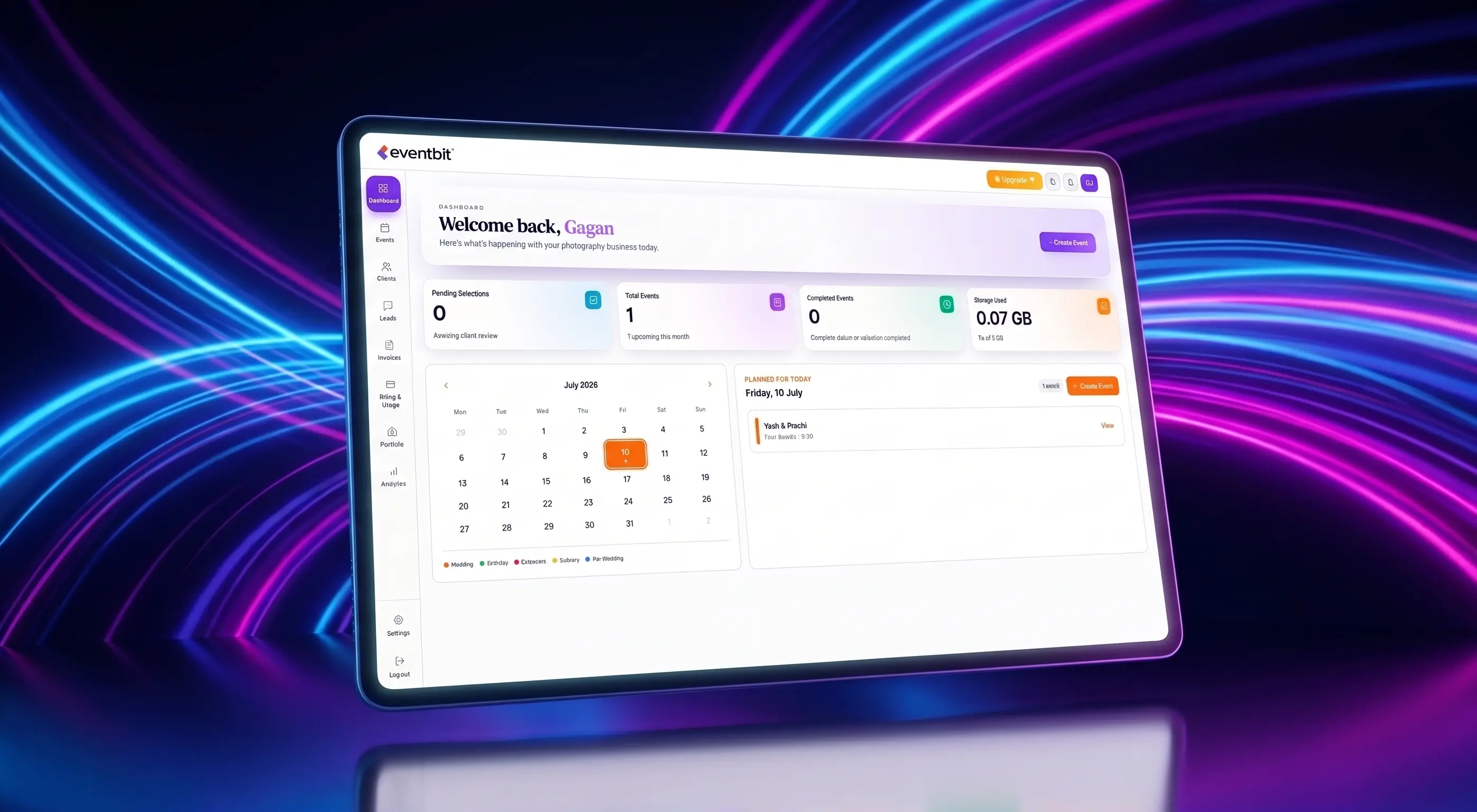
With tools like Eventbit, clients can browse through images on their phones and tap a heart icon on the ones they want. The selections sync instantly to your dashboard, so you know exactly which files to edit.
2. Implement Firm Selection Windows
If you give clients an infinite timeline, they will procrastinate. When you deliver a proofing link, set a clear selection window—usually 10 to 14 days. Frame this deadline as a way to benefit them: 'Submit your favorites by Friday to secure a spot in next week's final editing queue.'
Automated reminders help enforce this. Send a friendly text or email 48 hours before the gallery closes to nudge them to finish their selection.
Deadlines prevent projects from dragging on. Set a clear 14-day limit on all proofing links.
3. Direct Selection Syncing
Once your client clicks submit, you shouldn't waste time cross-referencing filenames in Lightroom. Eventbit allows you to copy the selected filenames as a clean text string, which you can paste straight into Lightroom's library filter to isolate their favorites in one click.
EventBit Team
Product & Design
Frequently asked questions
How many proofs should I show clients?
Keep it curated. Showing 800 unedited proofs will overwhelm clients. Deliver a solid selection of 150-200 clean proofs so they can make decisions easily.
Run your whole wedding workflow in one place
AI face search, client selections, branded galleries and automated delivery — built for studios.
See pricing