
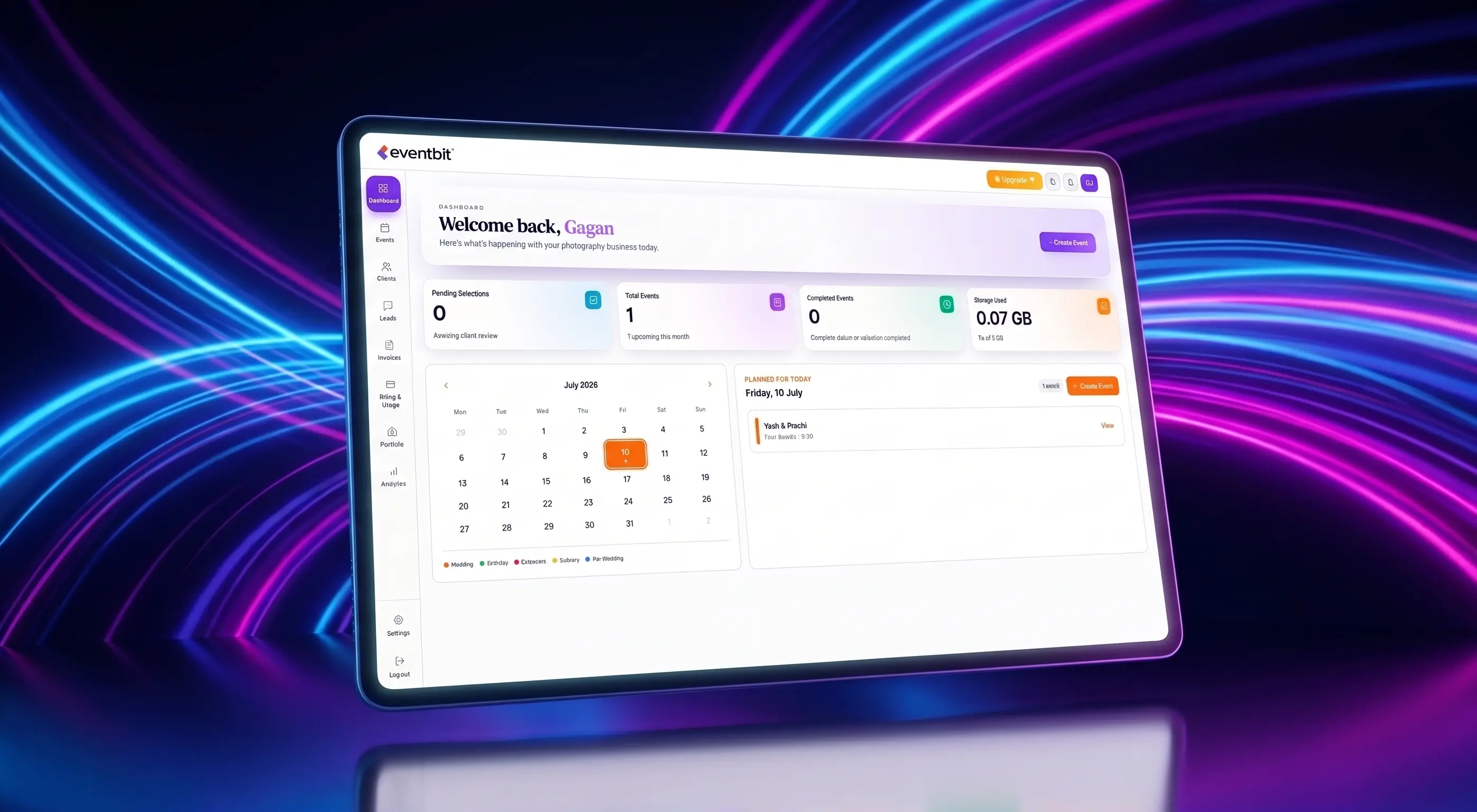
Let's face the truth: delivering client photos via Google Drive is a bad business practice. We've all done it when starting out. You finish editing a massive set of wedding images, export the JPEGs, upload them to a folder, and email the link. It seems simple enough, but you are leaving money on the table and hurting your brand.
Google Drive is a file locker built for spreadsheets and PDFs. It is not designed to present high-resolution photography. Delivering files this way makes the process feel transactional, creates a confusing proofing system, and results in hours of manual work. Let's break down why modern studios are switching to dedicated photographer portals.
Key takeaways
- Client delivery is part of your art. Present your work in a branded gallery rather than a spreadsheet folder.
- Stop using manual spreadsheets. Use a digital gallery with built-in selection tools to speed up proofing.
- Switch to a platform that supports local business needs like UPI payments and GST invoicing.
The Presentation Gap: Cold Folders vs. Branded Galleries
When a client opens a Google Drive link, they see slow-loading thumbnails and filename labels like 'DSC_4902.JPG'. There is no emotion, no brand styling, and no polished layout. It turns what should be an exciting moment into a boring file download.
A dedicated platform like Eventbit delivers photos in a beautiful, branded online gallery. Clients can view images in high-resolution, scroll through custom grid layouts, and share their highlights directly to social media. This premium delivery is what makes clients recommend you to their friends.
The Proofing Workflow: Reclaiming Your Time
Google Drive does not have proofing tools. If you use it for selections, you force clients to write down lists of filenames in emails, texts, or spreadsheets. This manual process takes forever, leads to mistakes, and delays your editing schedule.
With dedicated selection software, clients tap a heart icon on the images they want. The selections sync instantly to your dashboard. You can copy the selected filenames as a clean text string, paste it directly into Lightroom's search bar, and start editing in seconds.
A smooth, visual selection system helps clients submit their favorites in days rather than months.
Eventbit vs. Western Gallery Platforms
Many photographers look at Western platforms like Pic-Time, ShootProof, or CloudSpot. While these tools look nice, they fail to address the specific needs of the Indian market. They lack local payment integration, vernacular support, and GST invoicing systems.
Eventbit is built specifically for Indian creators. It combines fast cloud storage with local features: direct UPI payment support (via GPay, PhonePe, and Paytm), automated GST tax billing, and WhatsApp delivery integrations that keep your business running smoothly. You can see how we compare to other popular delivery platforms in our detailed [EventBit vs FotoOwl](/eventbit-vs-fotoowl) guide.
EventBit Team
Product & Design
Frequently asked questions
Can I still use Google Drive for my internal backups?
Yes. Google Drive is fine for archiving raw files, but you should deliver photos to clients through a dedicated gallery system like Eventbit to maintain a professional brand.
How does the selection sync save time in Lightroom?
Once a client selects their favorites in Eventbit, you can copy the list of filenames with one click and paste it into Lightroom's library filter to isolate those photos instantly.
Run your whole wedding workflow in one place
AI face search, client selections, branded galleries and automated delivery — built for studios.
See pricing