A busy studio juggles enquiries from Instagram, WhatsApp and referrals, dates held for different couples, advances in different accounts, and galleries waiting for selection. Most of it lives in someone's head.
A CRM is just one place to keep that. You don't need an enterprise sales tool. You need to track a handful of things well.
Key takeaways
- Log every enquiry with date, city and source.
- Keep confirmed and held dates in one calendar.
- Track contracts and each payment per booking.
- Track delivery status until the album is done.
- Keep it simple enough that the team actually updates it.
1. Enquiries and leads
Every enquiry should have a name, a contact number, the event date, the venue city and where it came from. Source matters: if most good bookings come from Instagram and none from a paid listing, that tells you where to spend.
Track a simple status, such as new, quoted, follow-up and booked or lost, so no enquiry quietly goes cold.
2. Dates and bookings
Double-booking a wedding date is the mistake every studio fears. Keep confirmed bookings in one calendar, and mark which dates are only on hold.
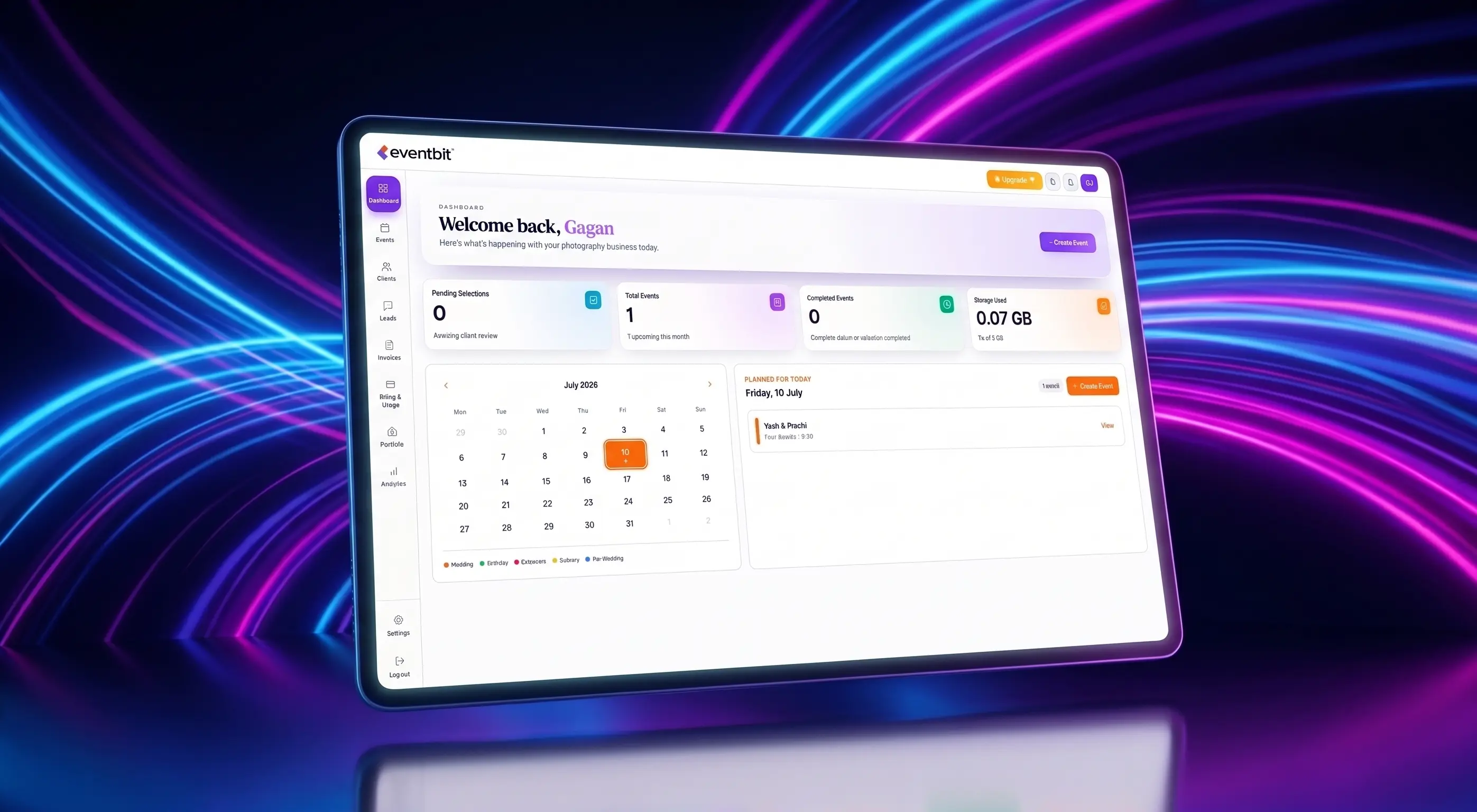
In Eventbit, calendar and bookings sit next to your clients, and you can connect Google Calendar to check availability.
3. Contracts and payments
For each booking, record whether the contract is signed and what's been paid: advance, wedding-day payment and balance. Chasing payments is easier when you can see the whole list at once.
Eventbit's client management includes contract templates with e-sign fields, and GST invoicing handles deposits and part-payments against the same client.
4. Delivery status
After the event, track where each job stands: editing, gallery shared, selection in progress, album in design, delivered. This is the stage most studios lose track of, because it stretches over months.
When the gallery, the selection and the invoice live with the client record, you can see at a glance which couples are waiting on you and which you're waiting on.
What you can skip
Small studios don't need lead scoring, complex sales pipelines or detailed activity logging. If updating the CRM takes longer than the work itself, nobody will keep it current.
Start with the four areas above. Add more only when a real problem shows up.
Deven
Eventbit Team
Frequently asked questions
Do photographers really need a CRM?
Once you have more than a few bookings at once, yes. It doesn't have to be complex: enquiries, dates, contracts, payments and delivery status cover most studios.
Can I use a spreadsheet instead?
You can start with one. The problem is that galleries, invoices and contracts end up in other tools, so the spreadsheet is always slightly out of date.
Does Eventbit include a CRM?
Yes. Eventbit includes leads, clients, contract templates with e-sign fields, calendar and bookings, and GST invoices, next to your galleries.
Can Eventbit connect to Google Calendar?
Yes. You can connect Google Calendar to check availability for bookings.
Run your whole wedding workflow in one place
AI face search, client selections, branded galleries and automated delivery — built for studios.
See pricing