Storage problems arrive at the worst time: in peak wedding season, when a drive fills up or a cloud plan hits its limit halfway through an upload.
The fix is to separate two jobs that often get mixed up. Delivery storage holds the edited photos clients see. Archive storage holds everything else, RAW files included. They need very different amounts of space.
Key takeaways
- Keep delivery storage and RAW archives separate.
- Work out your own average delivered file size.
- Storage per wedding × weddings kept online = what you need.
- Agree with clients how long galleries stay online.
- Keep RAW archives on local drives with an off-site backup.
Delivery storage and archive storage
Delivery storage is what your galleries use: edited JPEGs and films that clients and guests open and download. It needs to be online, fast and easy to share.
Archive storage is your safety net: RAW files, unedited frames and project files. It needs to be cheap and reliable, and it doesn't need to be online for clients at all.
Use cloud galleries for delivery, and local drives plus an off-site backup for RAW archives. Paying gallery prices to store RAW files is expensive.
Estimate your delivery storage
Start with your own numbers rather than someone else's. Export a typical delivered gallery and divide its size by the number of photos to get your average file size.
As a rough guide, high-quality edited JPEGs are often between 5 MB and 20 MB each, depending on your camera's resolution and export settings. A multi-day Indian wedding with 3,000 to 6,000 delivered photos can therefore take roughly 15 GB to well over 100 GB, before any video.
- Average delivered photo size × photos per wedding = storage per wedding
- Storage per wedding × weddings you keep online = delivery storage
- Add films separately, since a few minutes of 4K video can take several GB
A worked example
Say your average delivered JPEG is 10 MB and a typical wedding has 4,000 delivered photos. That's about 40 GB per wedding.
If you shoot 30 weddings a year and keep each gallery online for a year, you'd need about 1.2 TB of delivery storage, plus space for films. Shooting 8 weddings and keeping galleries for 6 months, you'd need closer to 160 GB.
Ways to use less space
You don't have to keep every gallery online forever.
- Agree with clients how long the gallery stays online, and put it in your contract.
- Export delivery JPEGs at sensible quality instead of maximum file size.
- Deliver only the edited selection, not every frame.
- Remove galleries clients have already downloaded, after telling them.
How this maps to Eventbit plans
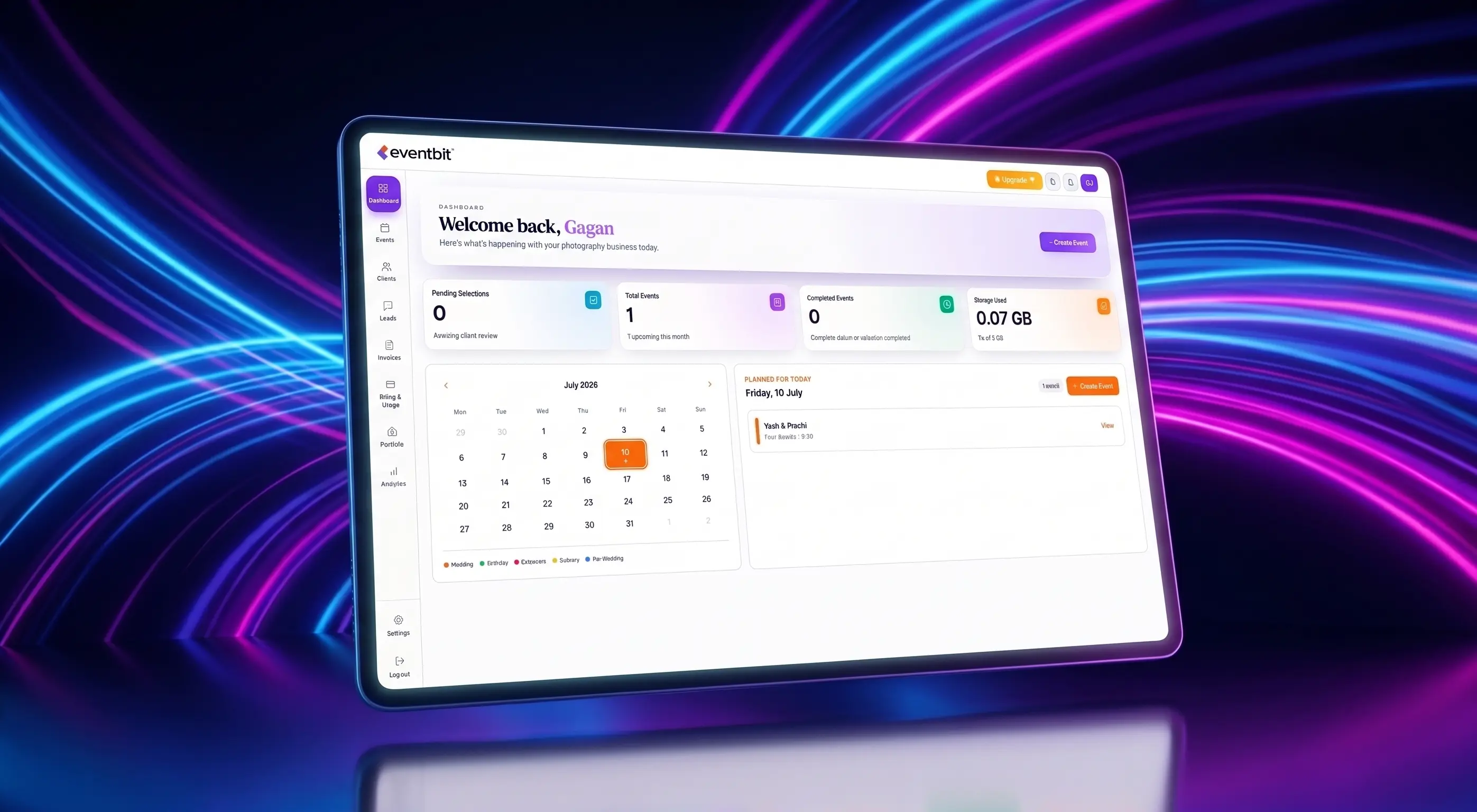
Eventbit storage is for delivery. The Free plan includes 5 GB, which is enough to try it on a small shoot. Starter includes 50 GB, Basic 100 GB, Pro 250 GB, Business 500 GB and Studio 1,000 GB.
Using the example above, a studio keeping a handful of large weddings online at once usually fits Pro, while busy studios keeping a year of galleries online need Business or Studio. See plans and storage for current details.
Deven
Eventbit Team
Frequently asked questions
How many GB is a typical Indian wedding?
It varies widely. With 3,000 to 6,000 delivered photos at 5 to 20 MB each, delivery alone can range from about 15 GB to over 100 GB, before video.
Should I store RAW files in the cloud gallery?
Usually not. Keep RAW files on local drives with an off-site backup, and use gallery storage for edited delivery files.
How long should I keep wedding galleries online?
Agree a period with each client, put it in the contract, and remove galleries once they've downloaded their photos.
How much storage does Eventbit's free plan include?
The Free plan includes 5 GB and 1,000 photos. Paid plans range from 50 GB on Starter to 1,000 GB on Studio.
Run your whole wedding workflow in one place
AI face search, client selections, branded galleries and automated delivery — built for studios.
See pricing