At conferences, college fests and brand launches, the best time to share photos is while people are still in the room. A photo posted during the event gets tagged, shared and seen. The same photo two weeks later barely gets a like.
Same-day delivery used to mean a second person on a laptop, copying cards and uploading by hand. Today most of that can happen straight from the camera. Here's a workflow that works, and where it can go wrong.
Key takeaways
- Test FTP at home before the event, with the same connection.
- Send JPEGs, not RAW files.
- Use a dedicated hotspot instead of venue Wi-Fi.
- Share a QR code and a selfie-only link for guests.
- Upload the edited set to the same event afterwards.
How camera-to-cloud delivery works
Many recent professional cameras from Canon, Nikon, Sony and Fujifilm can send images over FTP, some built in and some through an accessory. You point the camera at an FTP or SFTP server, and it uploads each photo, or the ones you tag, while you keep shooting.
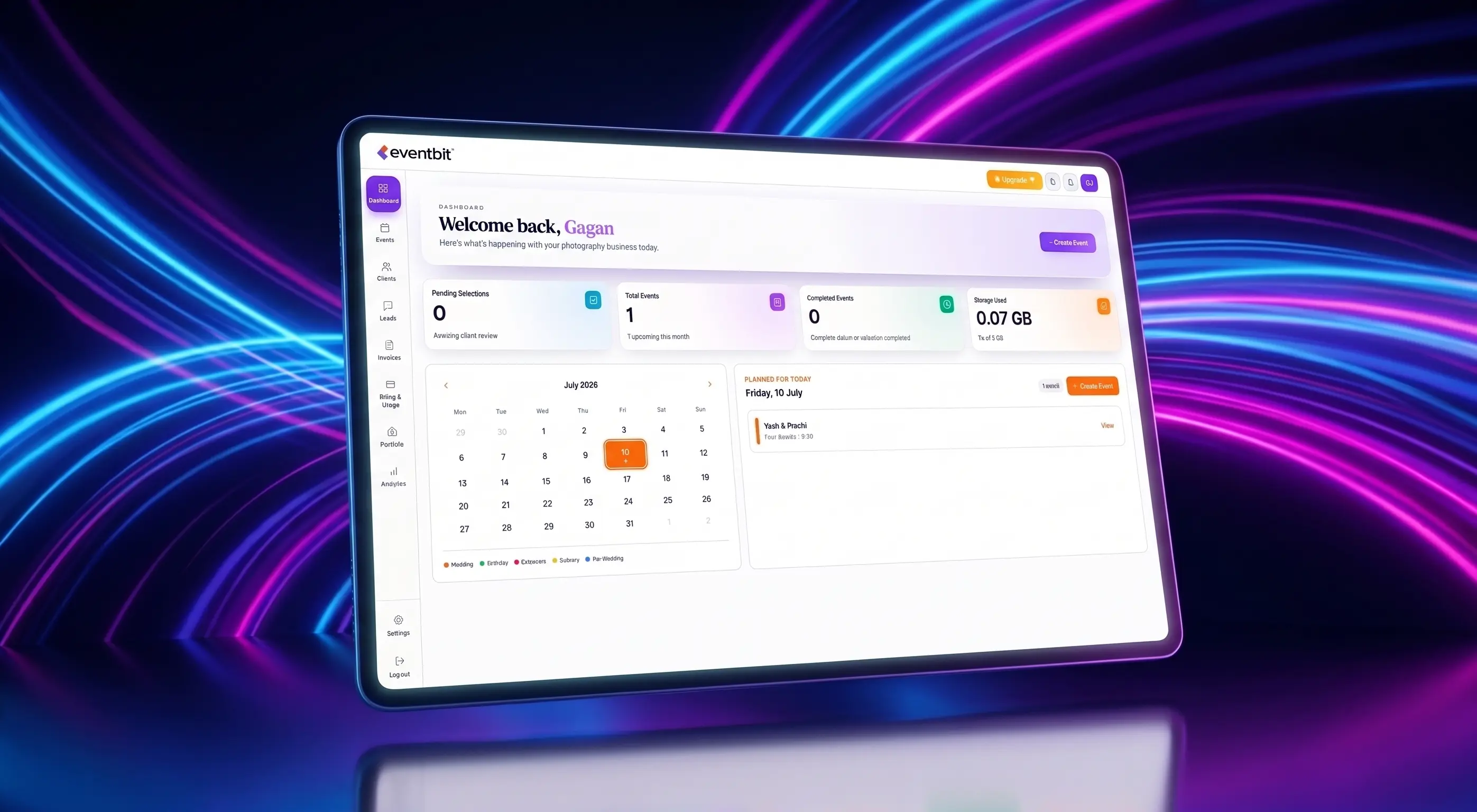
With Eventbit Sync, that server is your event gallery. Photos land in the gallery as they arrive and become searchable shortly after. Live sync is available on Pro and above.
Set it up before the event
Don't configure FTP for the first time at the venue. Do a full test at home with the same camera, card settings and connection.
- Enter the Sync server details in your camera and save them as a preset.
- Decide what to send: every frame, or only photos you protect or rate.
- Send JPEGs, not RAW files. They're smaller and upload far faster.
- Test the connection through your phone hotspot and the venue Wi-Fi.
- Create the event and its collections in advance, such as keynote, sessions and networking.
Shoot RAW plus JPEG and send only the JPEG. You still have the RAW files for the edited gallery later.
At the venue
Connectivity is the weak point. Venue Wi-Fi is often overloaded by hundreds of guests, so a dedicated phone hotspot or portable router is usually more reliable.
Put the gallery's QR code on screens, standees and table cards. With a selfie-only link, each guest takes a selfie and sees just the photos they appear in, instead of scrolling through everyone else's.
What can go wrong
Same-day delivery is worth it, but plan for the usual problems.
- Weak signal: uploads queue up and arrive late. Carry a backup hotspot.
- Battery drain: Wi-Fi transfer uses more power, so carry extra batteries.
- Unedited photos: live photos aren't retouched, so send only frames you're happy to be seen.
- Face search limits: side-on, low-light or partly covered faces may not match, so keep collections people can browse.
After the event
The live gallery doesn't replace your edited delivery. Once you've edited the full set, upload it to the same event so guests and the organiser find everything in one place.
Give the organiser a full-access link, and send your invoice from the same workspace. If you turned on registration, you'll also have a list of attendees who used the gallery.
Deven
Eventbit Team
Frequently asked questions
Which cameras can upload over FTP?
Many recent professional bodies from Canon, Nikon, Sony and Fujifilm support FTP, some built in and some through an accessory. Check your camera's manual for FTP or SFTP transfer.
Do I need a laptop at the venue?
Not if your camera supports FTP. It can upload through a phone hotspot directly.
Which Eventbit plan includes live sync?
Live camera sync with Eventbit Sync is available on Pro and above.
How do guests find their photos?
They scan the QR code, take a selfie and see the photos they appear in, with no app to install.
Run your whole wedding workflow in one place
AI face search, client selections, branded galleries and automated delivery — built for studios.
See pricing