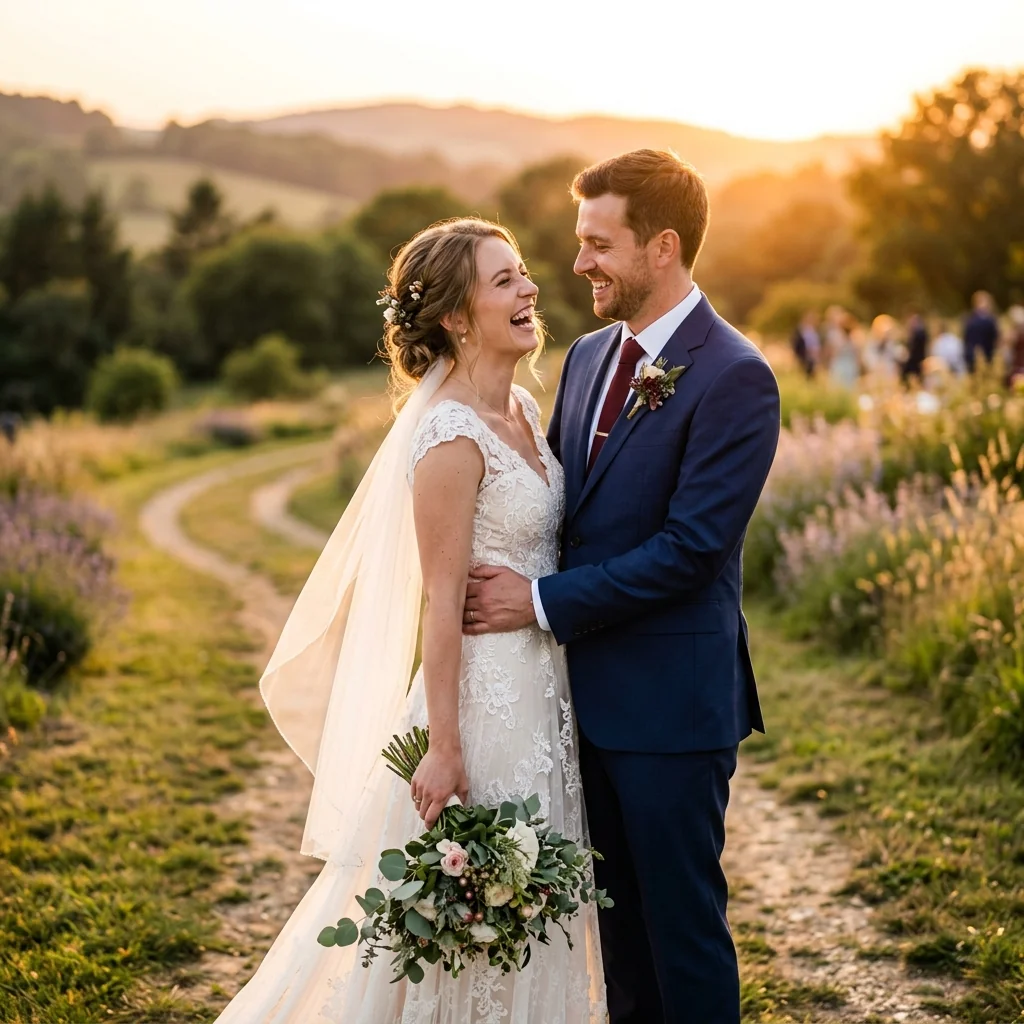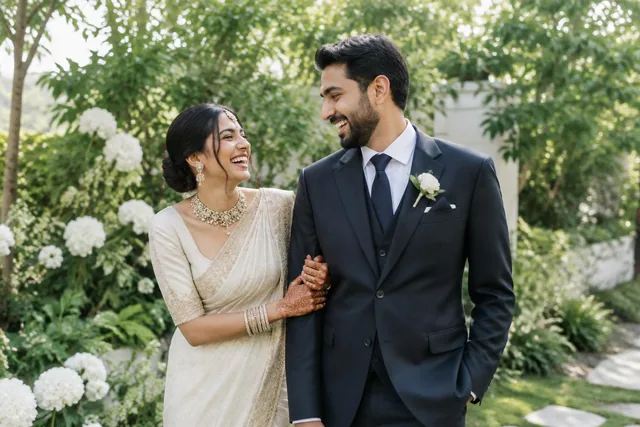
In India, a wedding photo's journey usually ends on WhatsApp. The couple forwards it to the family group, an aunt saves it, and a cousin sets it as a display picture. You can't fight that habit, and you shouldn't try to.
What you can change is what travels through WhatsApp. Send the photos themselves and you get compression, lost files and a phone that never stops buzzing. Send one good link and WhatsApp becomes the delivery route, not the delivery system. Here's how I'd set it up.
Key takeaways
- Use WhatsApp to share a link, not to send the photos themselves.
- Write one short message that people can forward.
- Let guests find their own photos with a selfie.
- Add a QR code at the venue for guests you don't know.
- Decide download sizes and watermarks before sharing.
Why sending photos directly causes problems
WhatsApp is built for quick sharing, so it reduces image size by default. Even with its HD option, a chat is a poor home for a full wedding, and most people forward the smaller copy anyway.
The bigger cost is your time. Each relative asks separately, each request needs a search through thousands of frames, and each reply sits in one chat where it's easily lost. On a large wedding, that turns into weeks of follow-up.
- Photos get compressed unless the sender picks HD or sends them as documents.
- Sending hundreds of files fills your phone and theirs.
- Old chats are hard to search when someone asks again next year.
- Your branding disappears the moment a photo is forwarded.
1. Send a link, not files
The simplest change is to send one gallery link to the couple and the family group. Everyone opens the same place, sees photos at full quality on their phone, and downloads what they want, if you allow it.
A link also keeps you in control. You can add a PIN, change download permissions or update the gallery later, and the link stays the same. If you're still using a shared drive folder, read why photographers are replacing Google Drive.
2. Write one message people can forward
Most people forward whatever you send them, so write that message carefully. Keep it short, say what to do, and put the link near the top. Something like this works well:
"Your wedding photos are ready! Open this link, take a selfie, and you'll see all the photos you're in: [link]. No app needed. Please share it with family."
Send the message to the couple first and let them forward it. Relatives respond better to a message from the family than from a photographer they haven't met.
3. Let guests find their own photos
A link alone doesn't solve the 3,000-photo problem. Most guests only want the photos they appear in. AI face search handles this: they take a selfie and see their own photos, without you sorting anything.
This replaces the "please send my photos" message. For the details, see our guide to face recognition photo sharing at weddings.
4. Use a QR code at the venue
WhatsApp reaches family, but a venue has guests you've never met. Put a QR code on a table card or a screen, and they can open the same gallery themselves. Once one guest forwards it on WhatsApp, the link spreads without you.
5. Protect quality and your name
Decide what people can download before you share the link. Many photographers give guests web-size files and keep full resolution for the couple. Add a small watermark to previews if you want your name to travel with the photo, and make sure the gallery shows your logo.
When someone asks who shot the wedding, a branded gallery answers for you.
Common mistakes to avoid
A few habits undo the benefit of a good link:
- Sending the link before the gallery is finished, which leads to repeat requests.
- Forgetting to test the link on a phone with mobile data.
- Sharing a private event without a PIN.
- Leaving downloads undecided until someone complains.
- Answering individual requests instead of pointing people back to the link.
6. Send at the right time
Timing changes how many people open the link. A short sneak peek the next morning, while the family is still talking about the wedding, works far better than a link that arrives three weeks later on its own.
When the full gallery is ready, send a second message that says what's new. If a selection deadline applies to the couple, send them a separate message so it doesn't get lost in the family group.
7. Keep the family group calm
Avoid joining every family group yourself. Let the couple or one relative share the link, and give them a short reply for common questions, such as how to find photos with a selfie. It keeps your number out of dozens of chats, and it keeps requests in one place.
Deven
Eventbit Team
Frequently asked questions
Does WhatsApp reduce photo quality?
By default WhatsApp compresses images. It has an HD option and can send files as documents, but forwarded copies are often smaller. A gallery link avoids the problem.
What is the best way to send wedding photos to guests on WhatsApp?
Share one gallery link in the family group, ideally with selfie search so each guest can find their own photos. Avoid sending hundreds of files in a chat.
Do guests need an app to open the link?
Not with Eventbit. The link opens in the phone browser, and guests take a selfie to see their photos.
Run your whole wedding workflow in one place
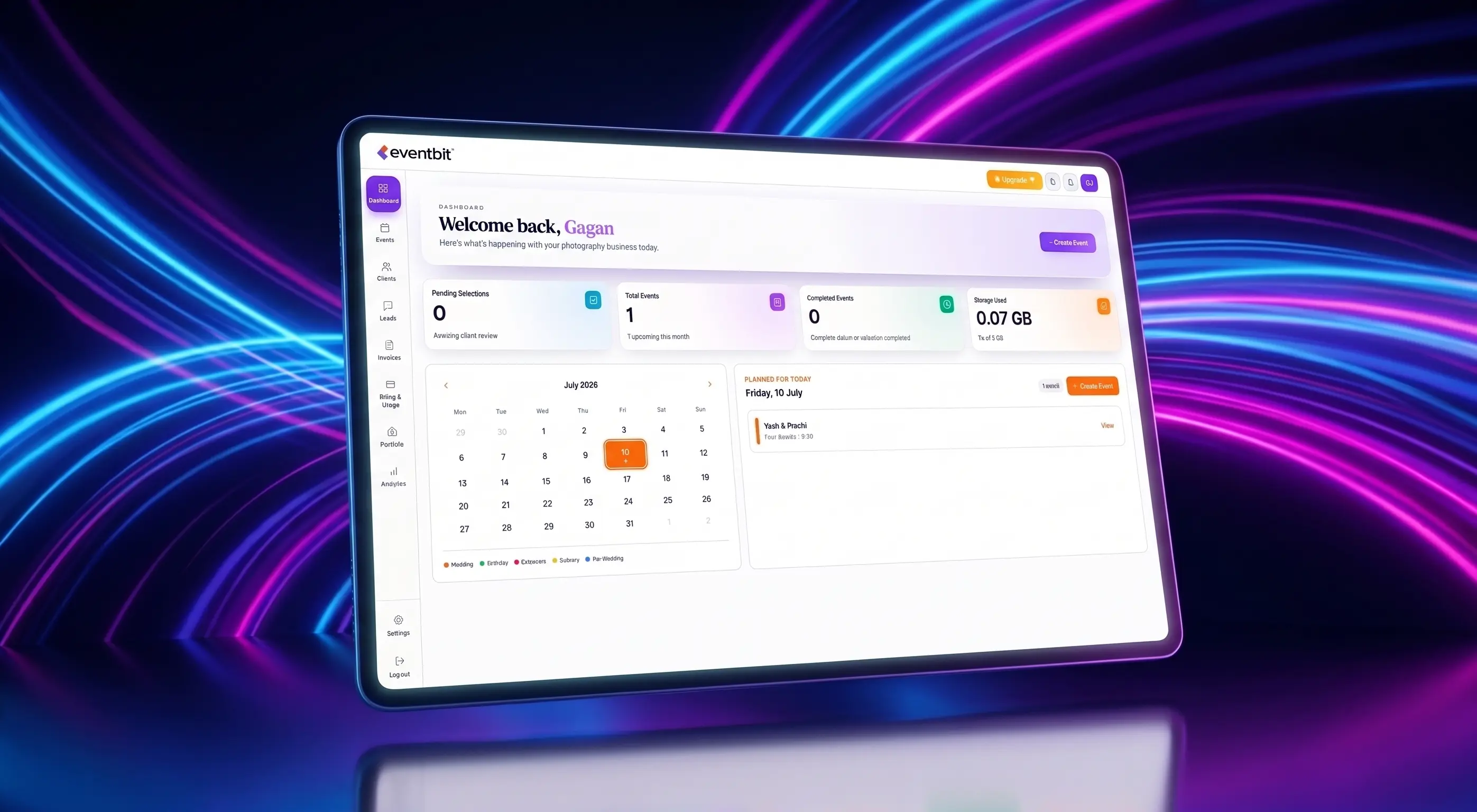
AI face search, client selections, branded galleries and automated delivery — built for studios.
See pricing